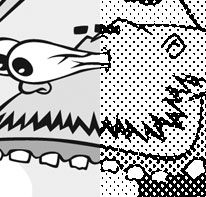
 A cartoon illustration & design project for a friend’s party required the resulting art to be suitable for reproduction on a photocopy machine. After some trial, error, Google search, trial, error, Google search, trial, error I discovered the magic combo that allows you to create a halftone in Photoshop for an image and print it out on your inkjet printer so the art will be perfect for photocopying.
This technique is perfect for flyers, newsletters or any other short-run printing needs you have where the cheapness of a photocopy is desired, but so are grayscale images.
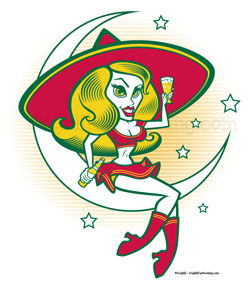
 I recently updated the “
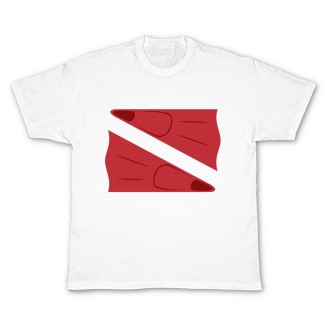
 I just posted this
 I (very) recently worked on a two-page spread illustration for the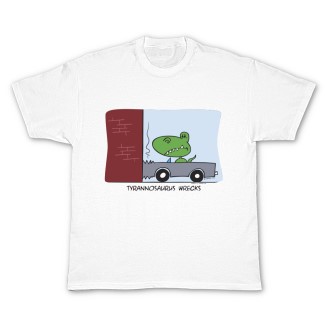
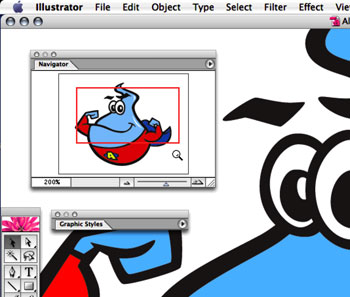
 As I am sure every Illustrator user is aware, you can zoom in and out of your document window using the Navigator palette: either type in a percentage in the lower left, click on the small or large “mountains”, or drag the slider left or right to zoom in or out. However, there is another, easier way to zoom using the Navigator palette…