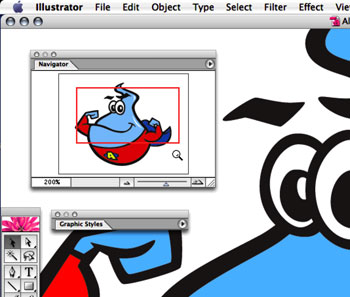
 As I am sure every Illustrator user is aware, you can zoom in and out of your document window using the Navigator palette: either type in a percentage in the lower left, click on the small or large “mountains”, or drag the slider left or right to zoom in or out. However, there is another, easier way to zoom using the Navigator palette…
Illustrator Tip: Magnifying Glass Zoom in the Navigator Palette